


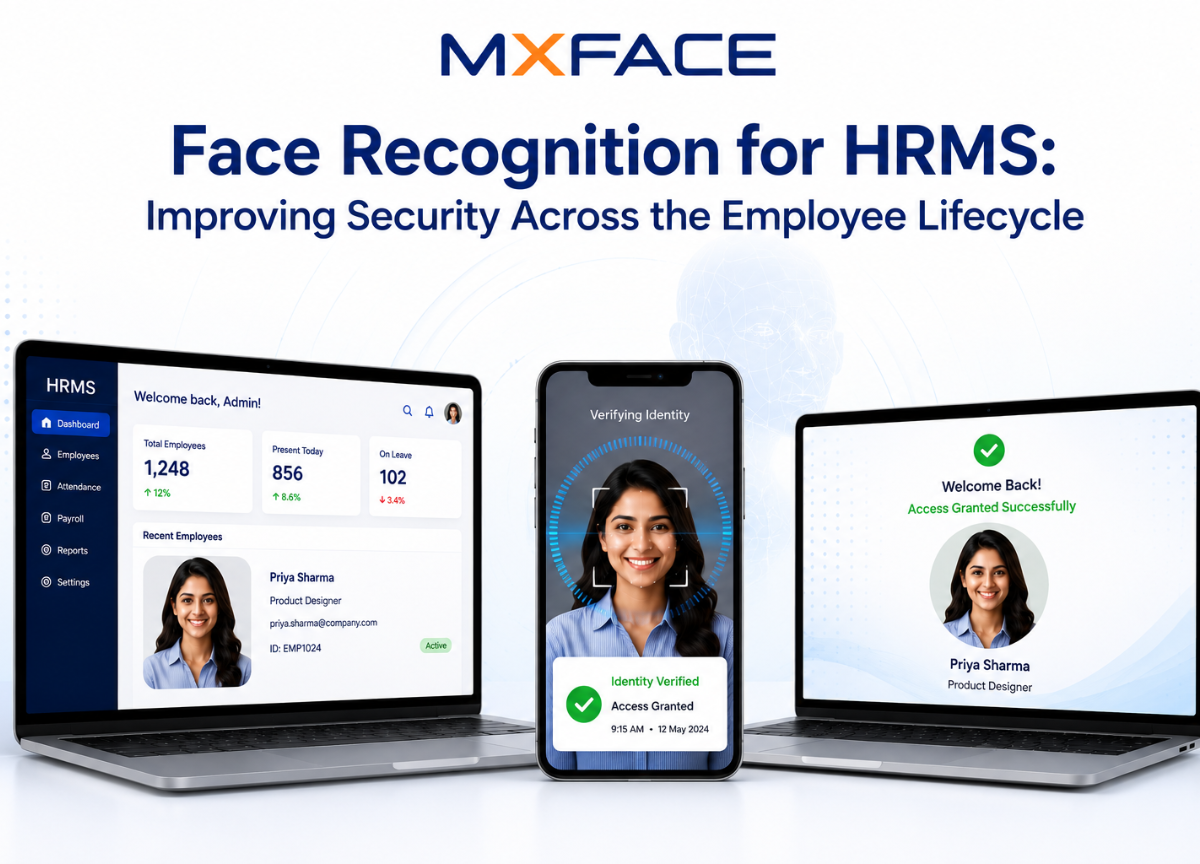
Face recognition for HRMS is no longer a futuristic add-on — it is a practical security layer that HR tech teams are actively deploying to close gaps that passwords, PINs, and ID cards cannot. From the moment a candidate submits their identity documents during onboarding to the day an employee badge is deactivated at offboarding, facial recognition APIs give HRMS platforms a continuous, verifiable link between a digital identity and a physical person.
This article covers where that link matters most, how integration works in practice, and what to evaluate before choosing a biometric attendance HRMS solution.
Why Traditional HRMS Authentication Falls Short
Most HRMS platforms authenticate users with credentials — a username, a password, sometimes a one-time code. Those mechanisms verify that someone knows a secret, not that the right person is present. The consequences are measurable:
- ➜Buddy punching costs U.S. employers an estimated $373 million per year in fraudulent time entries, according to the American Payroll Association.
- ➜Remote workforce verification is largely honor-based in distributed teams, creating compliance exposure for regulated industries.
- ➜Onboarding KYC gaps allow synthetic or stolen identities to pass document checks that are never tied back to a live face.
Facial recognition HR software addresses each of these by binding every transaction — clock-in, access request, document submission — to a confirmed biometric identity.
Core Use Cases for Face Recognition Across the Employee Lifecycle
Onboarding and KYC Verification
Identity fraud during hiring is a growing problem, particularly in remote-first organizations. Integrating a 1:1 face matching API into the onboarding workflow lets HR systems compare a selfie captured during enrollment against a government-issued ID photo in real time. With accuracy rates near 99% on quality image pairs, the check takes under a second and produces a confidence score that can be logged for audit purposes.
Liveness detection is critical here. Passive liveness detection — which analyzes a single frame for spoofing artifacts without requiring the user to perform any action — prevents applicants from holding up a printed photo or a screen image to pass the check. Active liveness detection adds a challenge-response layer for higher-assurance scenarios, such as executive onboarding or roles with privileged system access.
Biometric Attendance Tracking
Biometric attendance HRMS deployments replace physical time clocks or app-based check-ins with a face scan that confirms presence. The workflow is straightforward: a camera at an entry point or a mobile device captures a frame, the image is sent to a face recognition API, and the returned match result is written to the attendance record.
The 1:N face search capability is particularly useful in large facilities. Rather than requiring an employee to present an ID before scanning, the system searches an enrolled face database and returns the matching employee record automatically. This reduces friction at high-traffic entry points while maintaining a verifiable audit trail.
Physical and Logical Access Control
Employee lifecycle security extends beyond time tracking. Facial recognition HR software can gate access to server rooms, laboratories, or sensitive document repositories by integrating with door controllers and HRMS role data. When an employee's role changes or their employment ends, revoking access is a single database update — no badge to collect, no PIN to reset.
The same principle applies to logical access. An HRMS that uses face recognition as a step-up authentication factor before displaying payroll data or performance reviews adds a meaningful barrier against credential-sharing without adding significant user friction.
Remote Workforce Verification
For distributed teams, periodic face verification during remote work sessions or before submitting timesheets provides a lightweight compliance mechanism. A developer integrating a facial recognition API into a web-based HRMS can trigger a verification prompt at configurable intervals, compare the result against the enrolled template, and flag anomalies for HR review — all without storing raw images on the employer's infrastructure.
Offboarding and Deprovisioning
The offboarding phase is where identity management often breaks down. Face recognition for HRMS closes the loop by ensuring that deprovisioning is tied to a confirmed identity event. A final face verification at the point of equipment return or badge surrender creates a timestamped record that the correct individual completed the offboarding process.
Integration Architecture: What Developers Need to Know
Integrating facial recognition into an existing HRMS is primarily an API exercise. A well-designed facial recognition API exposes endpoints for:
- ➜Face enrollment — submitting a reference image to create a searchable template
- ➜1:1 verification — comparing a probe image against a specific enrolled template
- ➜1:N search — identifying an unknown face against an enrolled database
- ➜Liveness detection — validating that the submitted image represents a live person
- ➜Face attributes — extracting metadata such as age estimate or emotion for analytics use cases
The HRMS backend calls these endpoints at the relevant workflow steps, receives a JSON response with a match score and decision, and writes the result to its own database. No biometric images need to leave the HRMS environment if the API is configured to return scores only — a design that significantly simplifies GDPR and CCPA compliance documentation.
MxFace provides this architecture with a privacy-first constraint: no images or personal data are stored on the API provider's infrastructure. The free tier includes 100 API calls per day with a 14-day trial and no credit card requirement, which gives development teams enough volume to build and test a complete integration before committing to a production plan.
Evaluating Facial Recognition HR Software: Key Criteria
Before selecting a vendor, evaluate the following criteria against your HRMS requirements:
- ➜Accuracy — 1:1 match accuracy at your target false acceptance rate (FAR)
- ➜Liveness detection — Passive and active options; deepfake protection
- ➜Latency — API response time under realistic network conditions
- ➜Data residency — Where templates and images are processed and stored
- ➜SDK availability — Mobile and server-side SDKs for your stack
- ➜Compliance support — GDPR, CCPA, BIPA documentation and DPA availability
- ➜Pricing model — Per-call vs. subscription; free tier for development
Accuracy figures should always be evaluated at a specific false acceptance rate (FAR), not in isolation. A system claiming 99.9% accuracy at FAR 1% is far less useful for access control than one achieving 99% at FAR 0.01%.
Privacy and Compliance Considerations
Biometric data is a special category under most privacy frameworks. Before deploying facial recognition employee management features, HR tech teams should confirm:
- ➜Consent mechanisms are built into the enrollment flow with clear disclosure language
- ➜Data minimization is enforced — templates rather than raw images are stored where possible
- ➜Retention policies are defined and technically enforced, with automatic deletion on offboarding
- ➜Vendor agreements include a Data Processing Agreement (DPA) that specifies sub-processor relationships
A privacy-first API design — one that processes images transiently and returns only scores — reduces the compliance surface area considerably compared to solutions that maintain a cloud-based image repository.
Frequently Asked Questions
How accurate is face recognition for HRMS attendance tracking?
Modern facial recognition APIs achieve approximately 99% accuracy on quality image pairs under controlled lighting. In attendance deployments, accuracy depends on camera quality, enrollment image quality, and lighting consistency. Liveness detection adds a layer that prevents spoofing attempts from inflating false acceptance rates.
Does facial recognition HR software store employee photos?
It depends on the vendor architecture. Privacy-first platforms like MxFace process images transiently and return only match scores, storing no raw images or personal data on their infrastructure. HRMS operators should confirm this in the vendor's DPA before deployment.
What is the difference between 1:1 and 1:N face recognition in HRMS?
1:1 verification compares a submitted face against a specific enrolled template — used when the employee identifies themselves first (e.g., enters an ID number). 1:N search compares a submitted face against an entire enrolled database to identify the person automatically — used at entry points where employees do not present credentials before scanning.
How does liveness detection prevent buddy punching?
Liveness detection analyzes the submitted image or video frame to confirm it represents a live person rather than a photograph, screen replay, or deepfake. Passive liveness detection works on a single frame with no user action required, making it practical for attendance kiosks and mobile check-ins without adding friction to the clock-in process.


